
09 Oct 2026 → now
geekbeats
geekbeats is a passion project I built for me and my friend. We're just two people who like to make music, and for us the most time-consuming part was always finding a beat we both liked, which meant clicking video after video from hit-or-miss producers until something finally stuck. I ended up turning that into a dating app, but for YouTube type beats. One beat plays at a time, swipe right to keep it and swipe left to skip it.
Every keep lands in my Google Drive as a tagged 320 kbps mp3 with cover art, named after the producer, the beat and the artists it's styled after, sorted into a folder for the day it was kept. The feed also picks up on each of our tastes from our own swipes.
It runs as a web app on our phones and Macs, served straight from my own computer over Tailscale. Nobody else can sign up, which is why there's no link to try it here. Everything on this page is a screen recording of the real app with my own feed.
- Started
- October 20, 2026
- Users
- Two: me and my friend
- Stack
- TypeScript, Bun, Preact with signals, yt-dlp, ffmpeg, Google Drive API, Tailscale
- Design
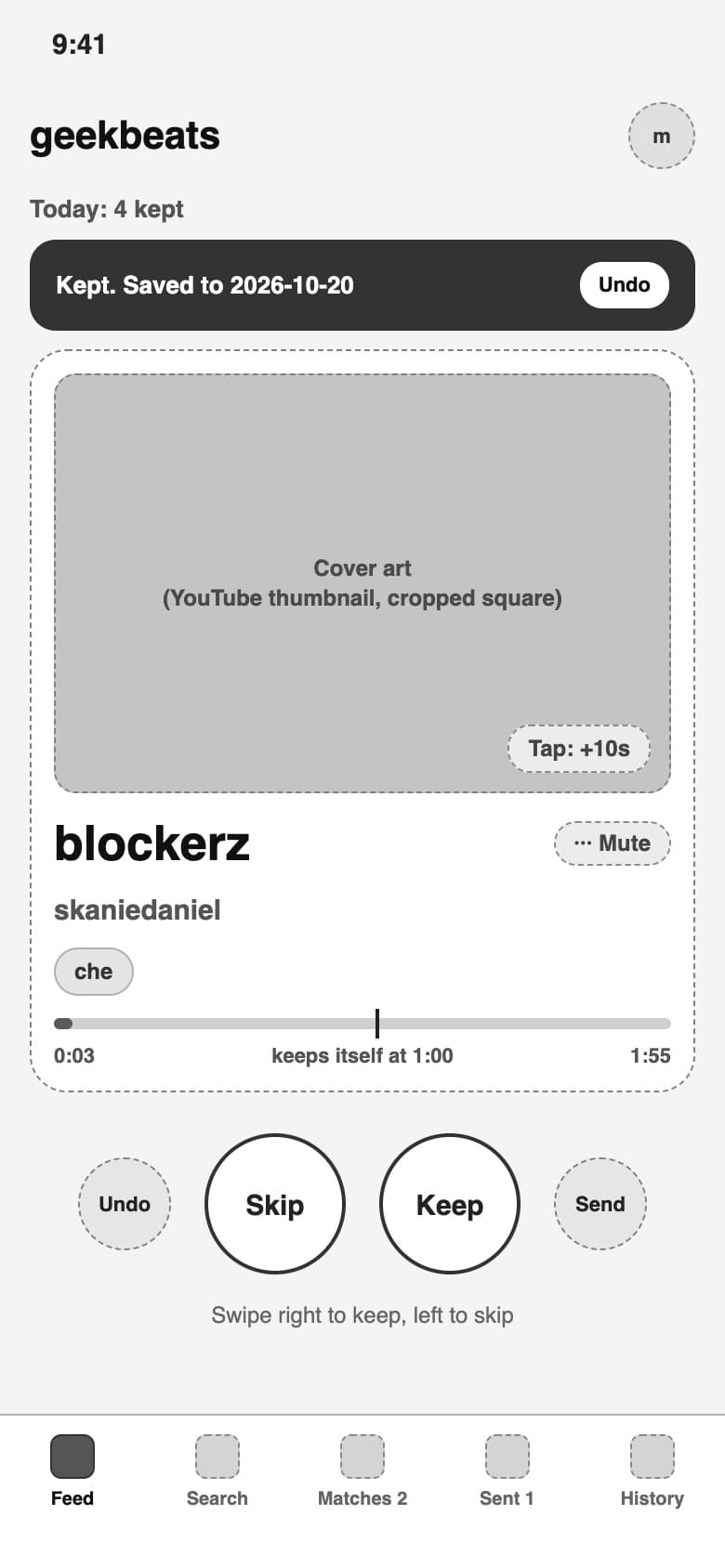
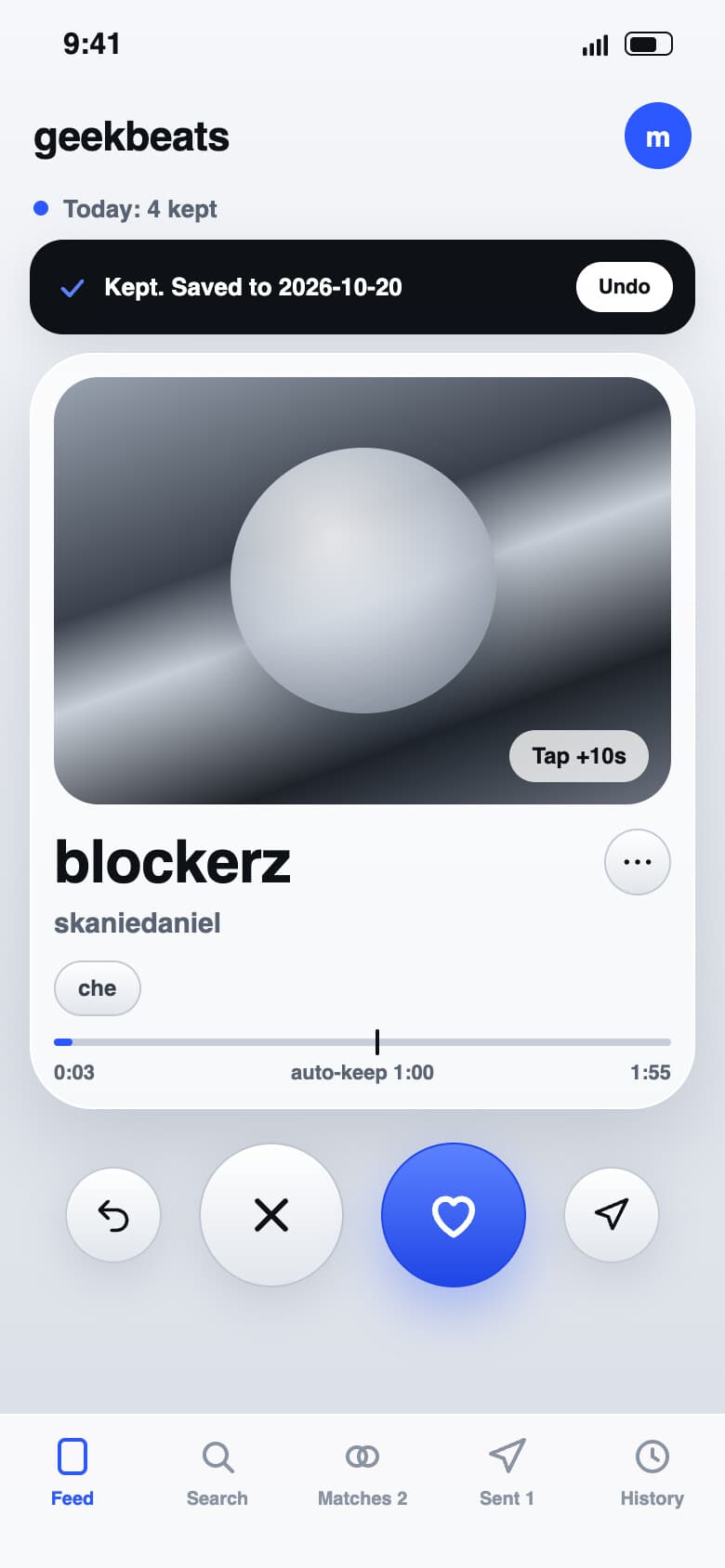
- 18 screens approved in Figma before I built them
- Tests
- 159 automated tests, all passing
- Status
- Running on my Mac for now, with the main host moving to a friend's PC
Keys
- ←skip
- →keep
- spacepause
- Uundo
- Ssend
Screens
The same app on a laptop, recorded with my own feed. A script did the clicking, which is why you won't see a pointer.
01 / 04 · The feed
01
The feed
On a Mac the card sits in the middle with the tabs in a sidebar, and today's keeps sit on the right next to the Drive folder they go to. One click starts the first beat, and the keys under the card skip, keep, pause, undo and send.
02
Search an artist
Type in an artist and it searches YouTube for their type beats. The results play just like the feed, with the same keys.
03
History
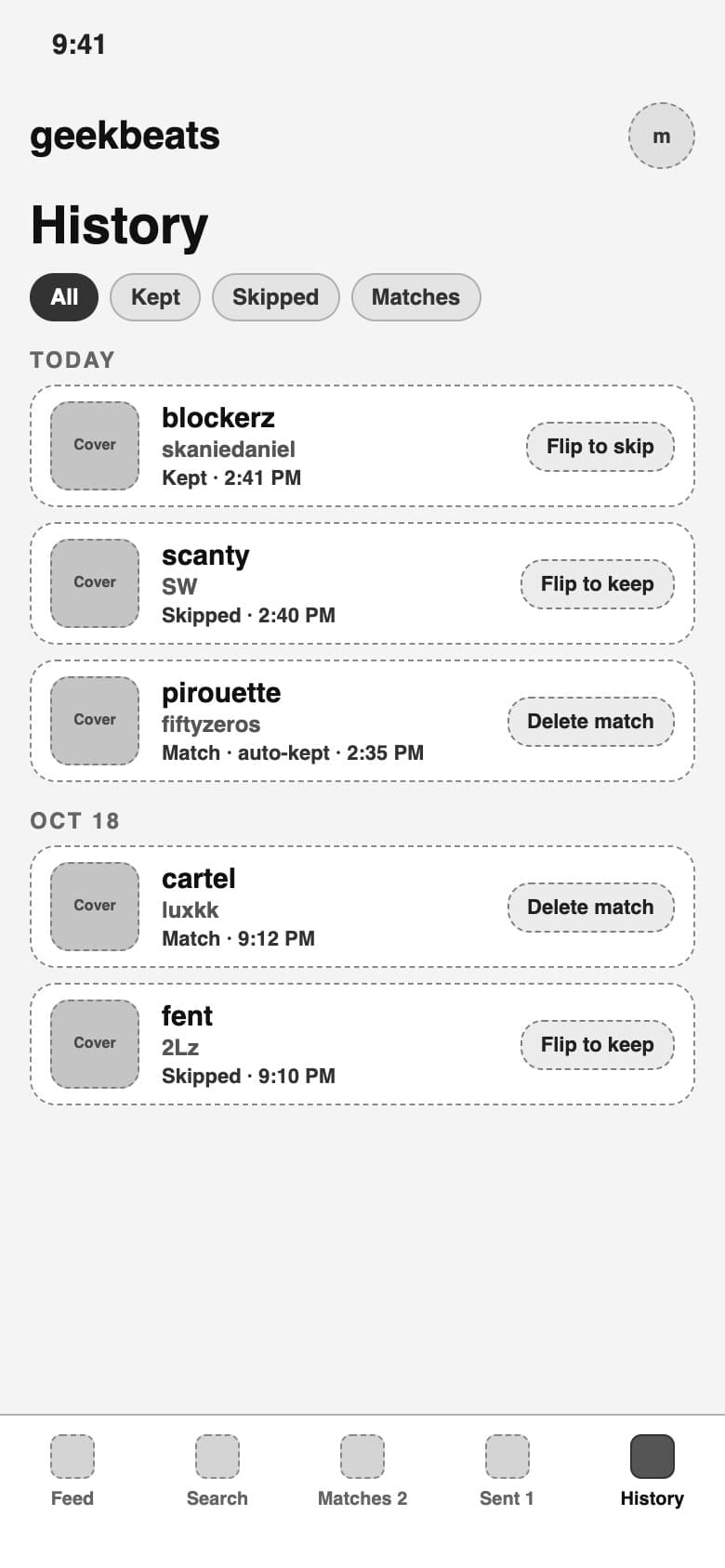
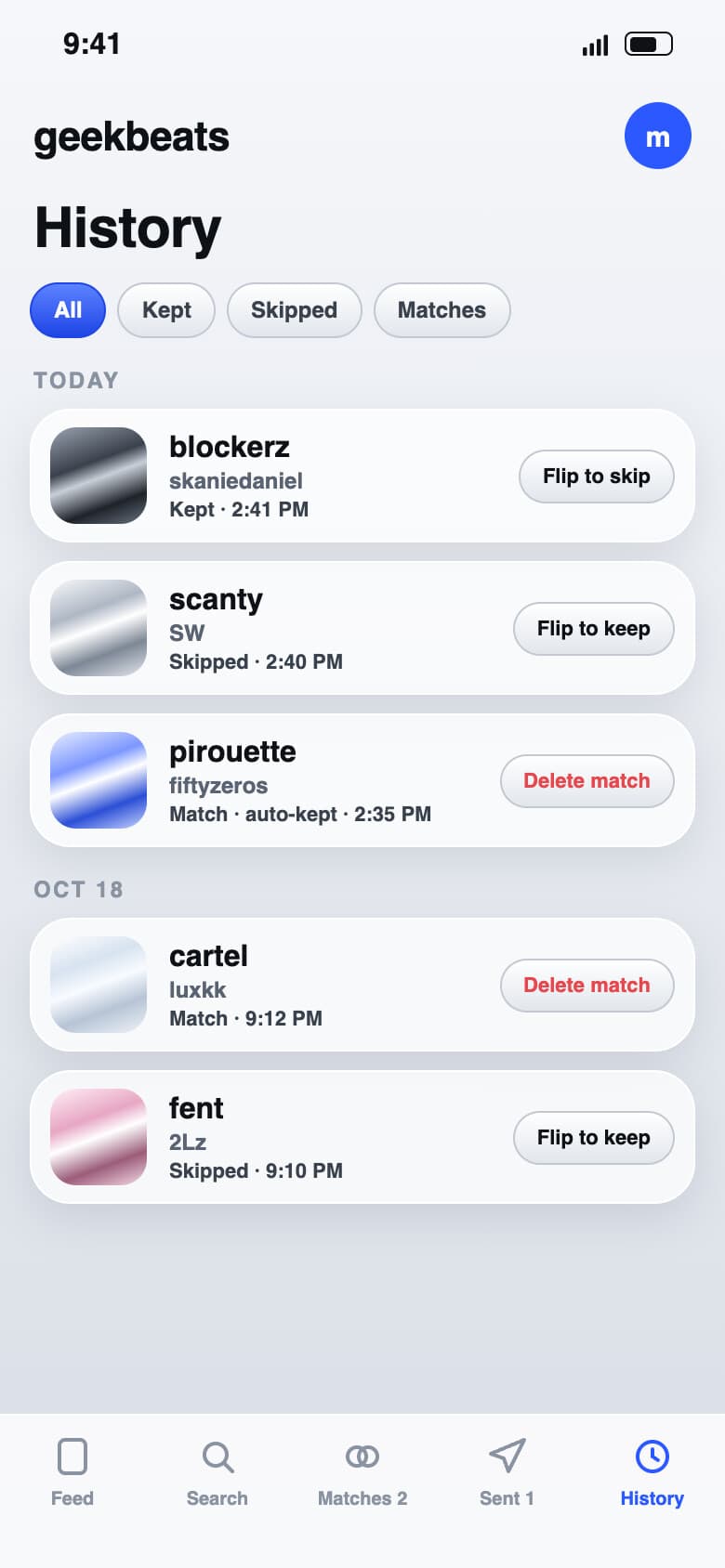
Every swipe, newest first, filtered down to keeps and then skips. You can flip any row later and the Drive file follows.
04
My page
Clicking my name opens my page: how many beats I've kept, my top artists and my newest keeps.
Design
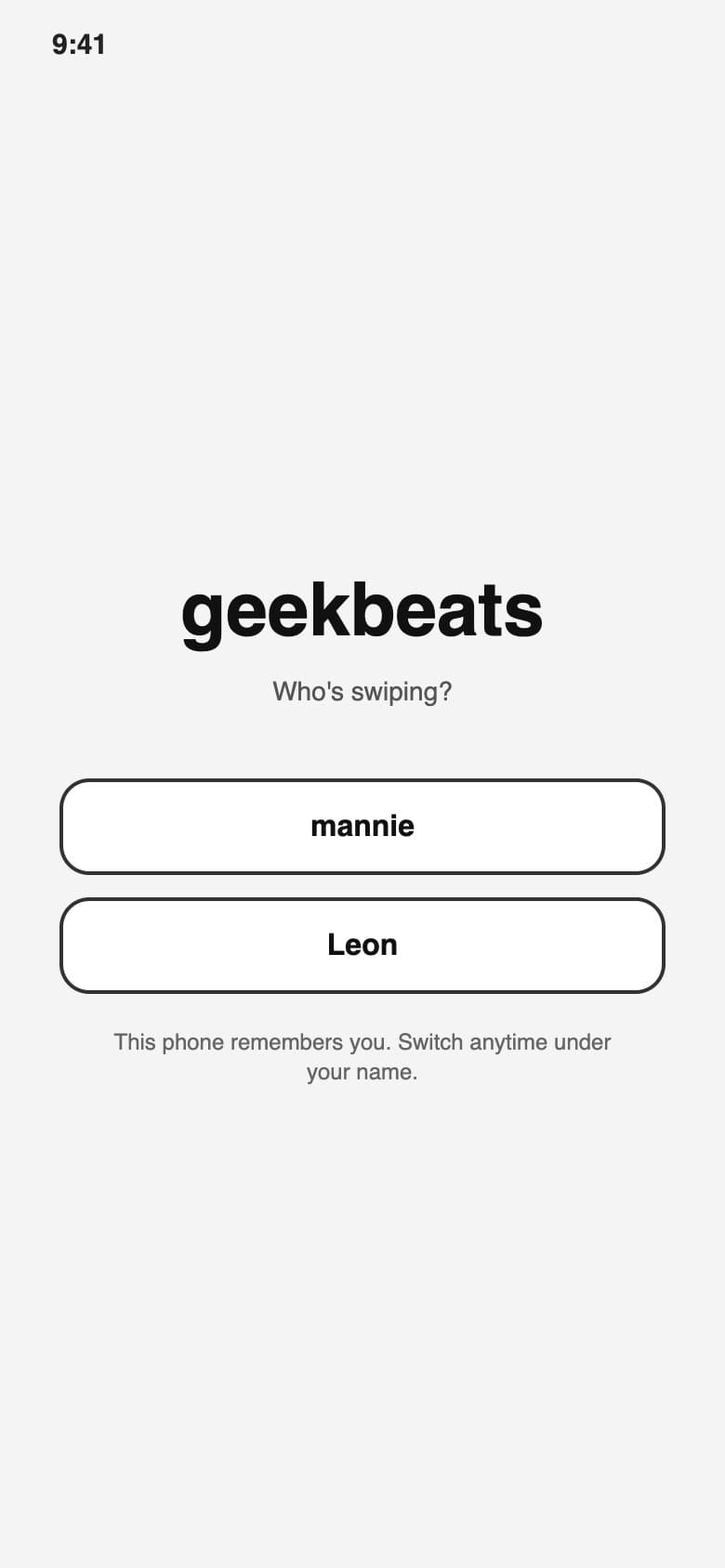
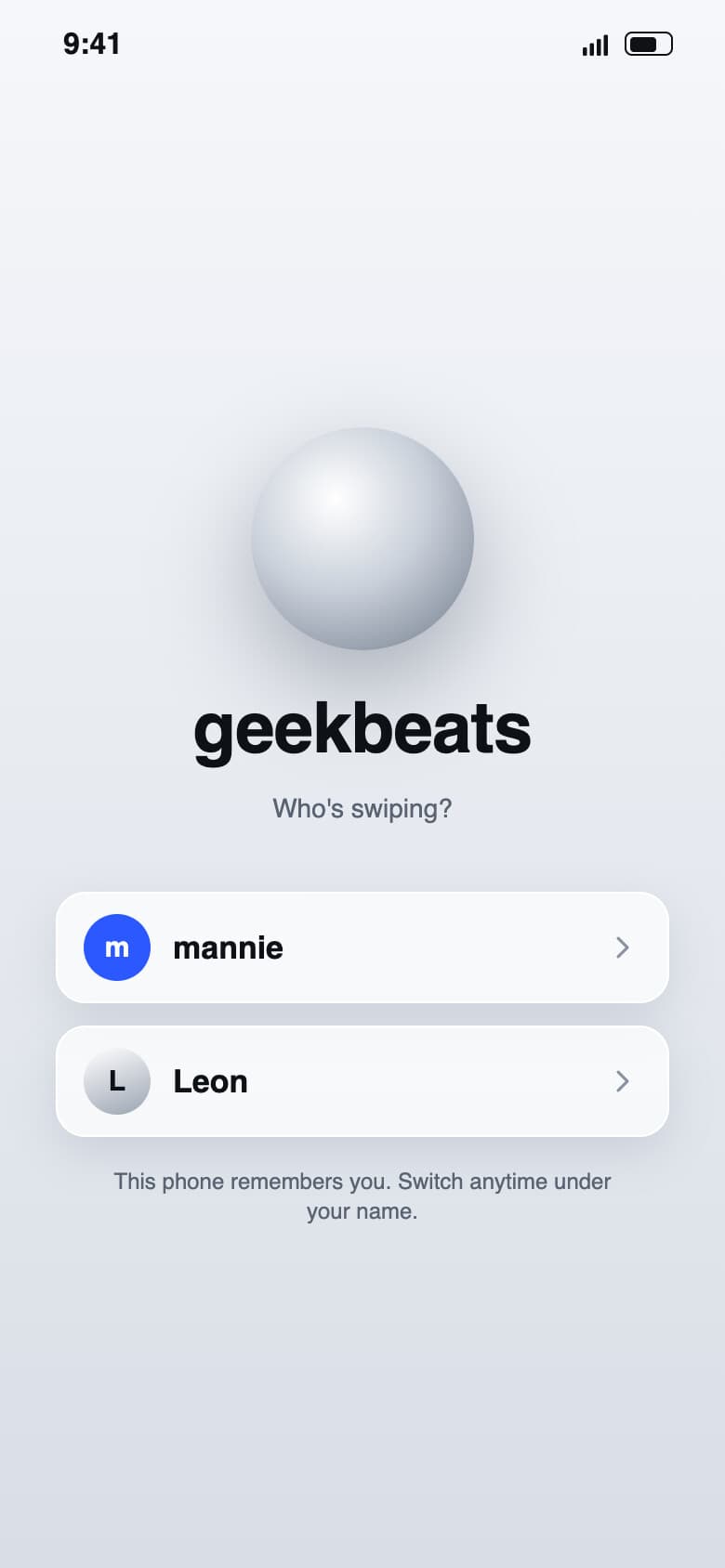
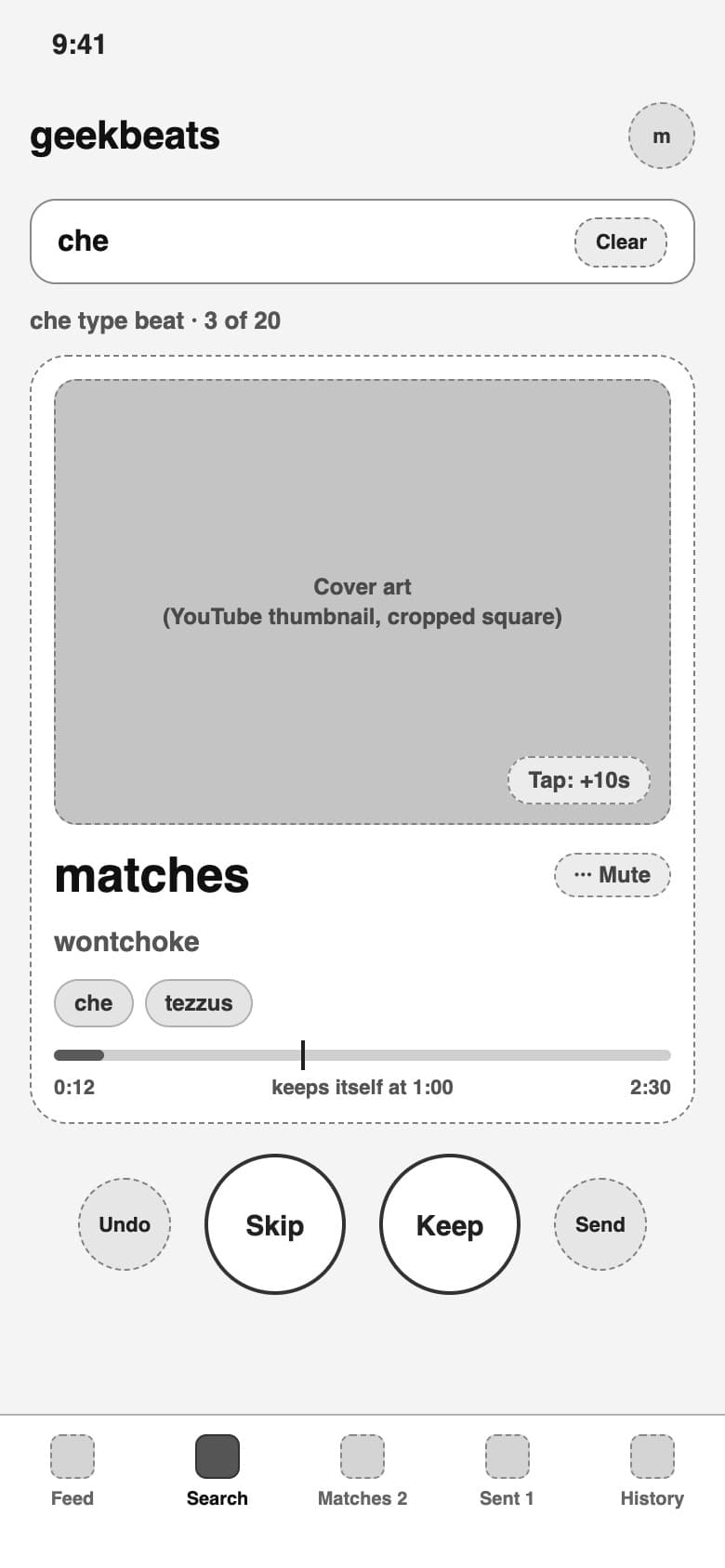
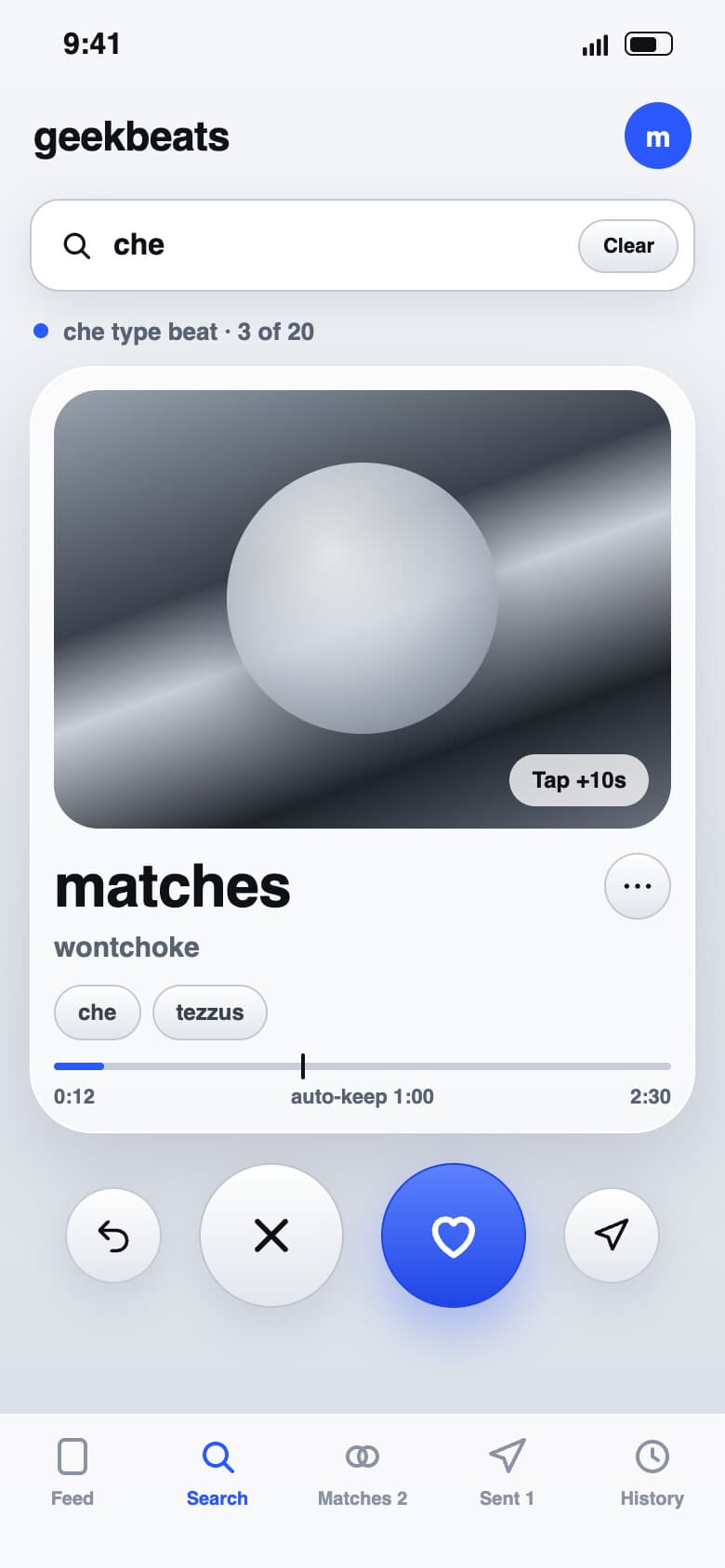
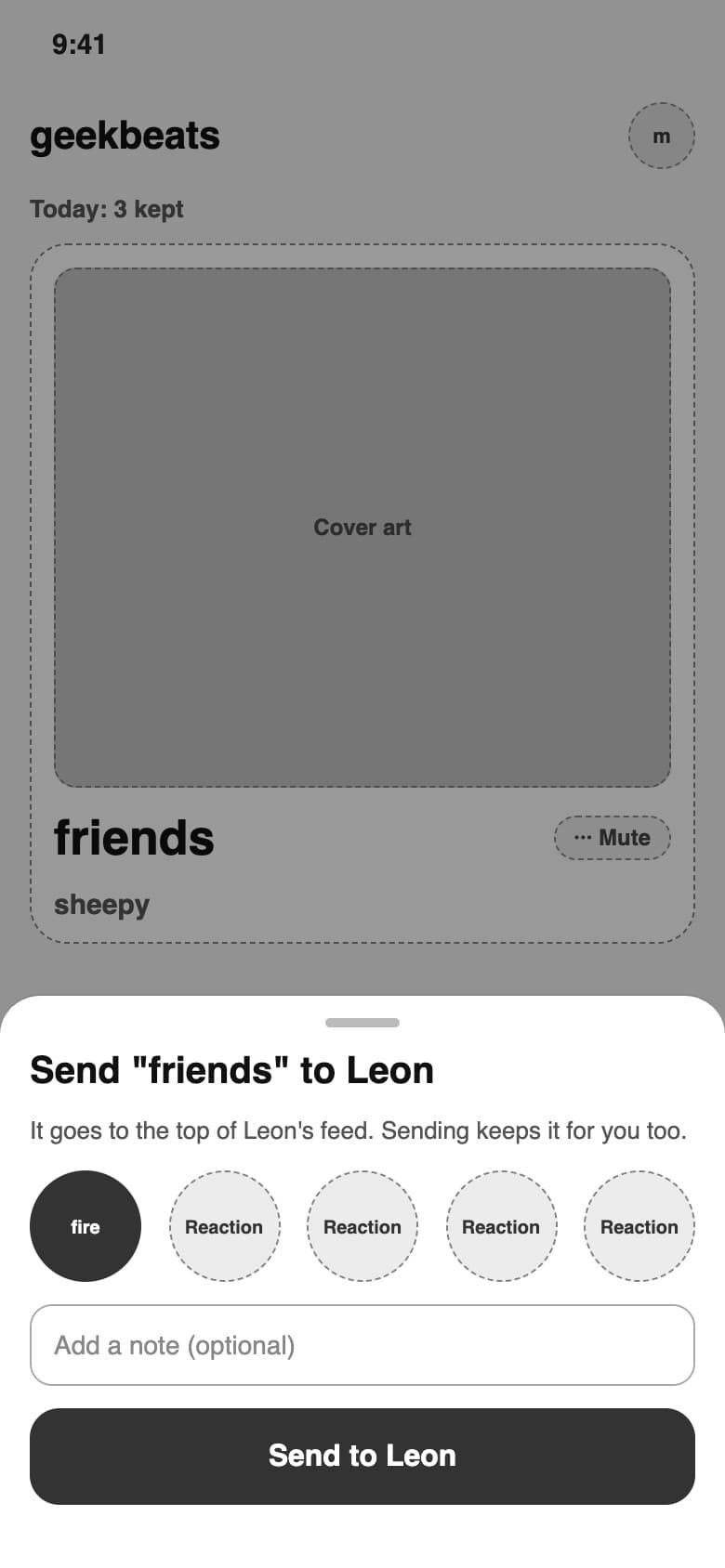
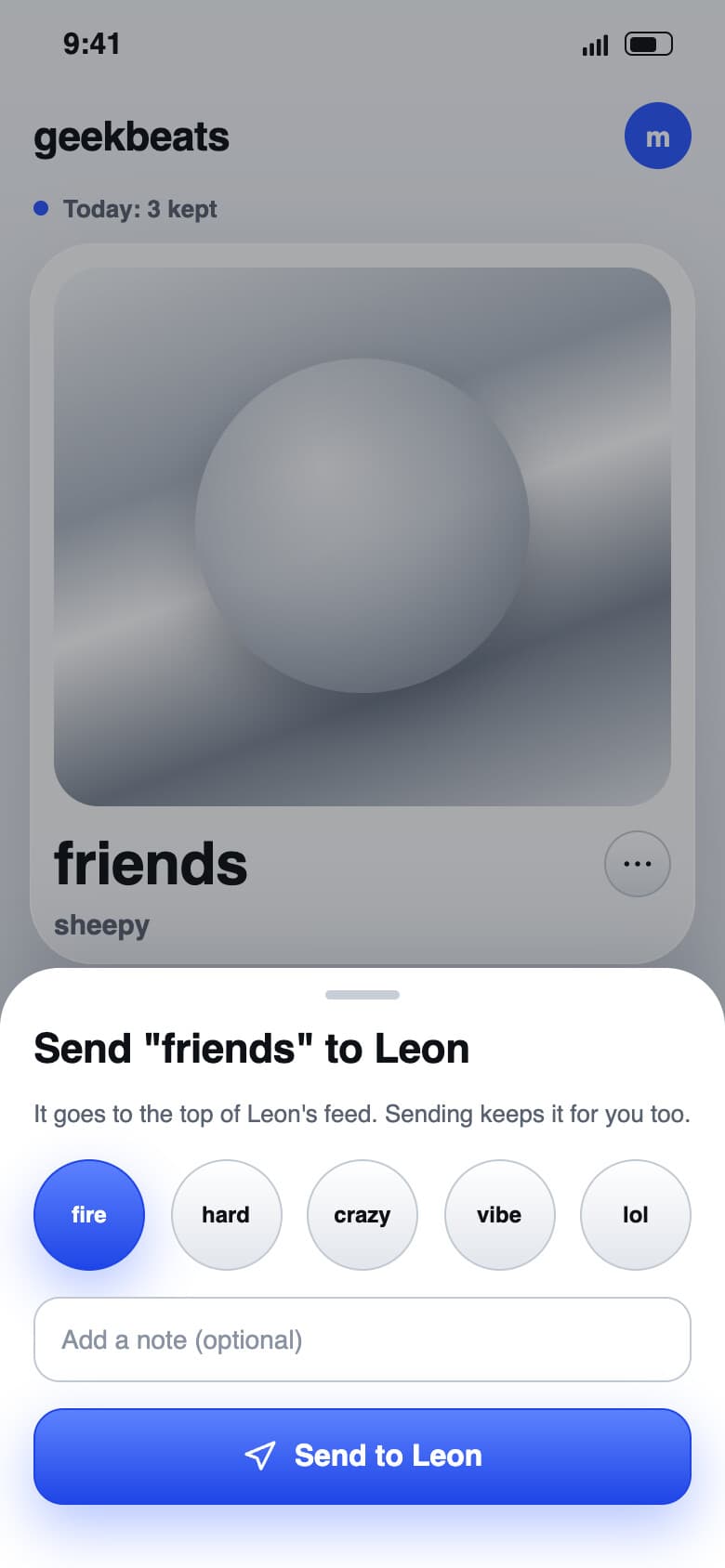
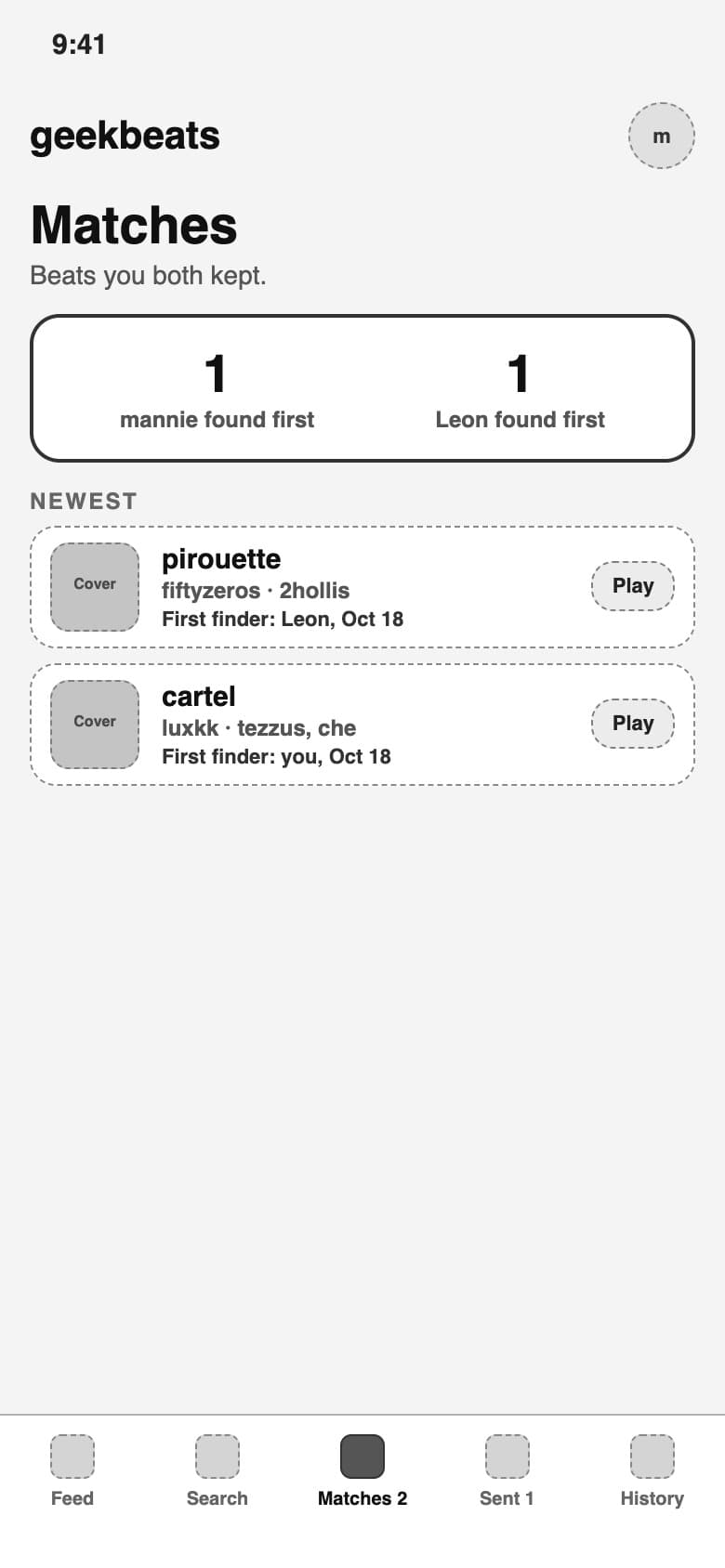
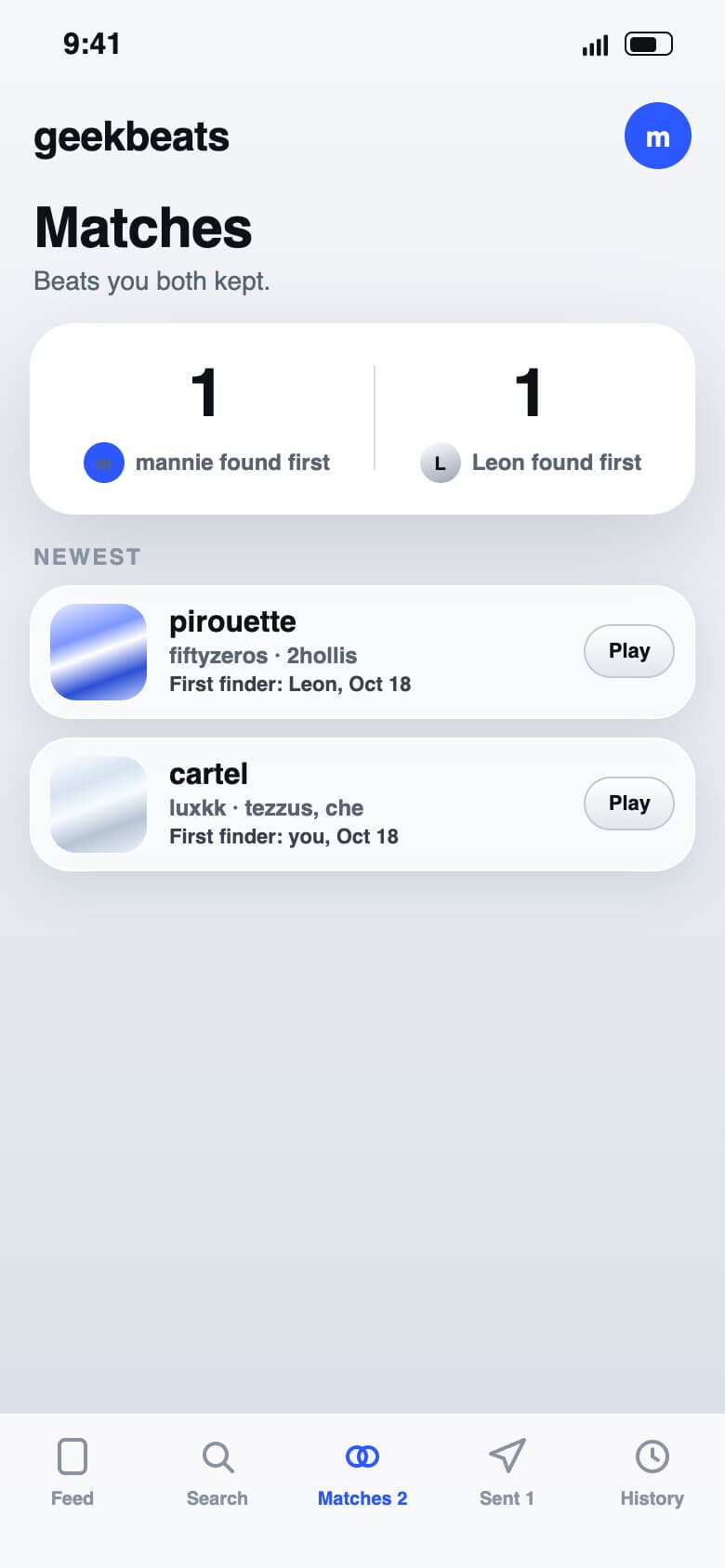
Before writing any code I planned every screen in Figma, lo-fi first for the layout and then hi-fi for the look. Flip the switch to compare the two.
What it does
- Swipe, keep, skip
- One beat at a time. Right keeps, left skips, and on a Mac the arrow keys do the same thing. After one tap to start, every card plays on its own.
- Every keep lands in Drive
- Each keep turns into a tagged mp3 with the beat's cover art, named after the producer, the beat and its artist tags, in a folder for that day. If an upload fails, it keeps retrying until it lands.
- No dead air
- The server always has three beats ready ahead of you, and a beat starts playing while it's still downloading. In a test with ten swipes a second apart, the longest wait was 2 ms.
- It learns your taste
- A keep adds a point to the producer and every tagged artist, and a skip takes away a quarter point. No producer gets more than 2 of any 8 cards in a row, and about 1 in 5 picks come from a producer with no keeps yet, which keeps new names coming through.
- Built for two
- Send your friend a beat with a reaction, see the beats you both kept and who found them first, and mute a producer or an artist from just your own feed.
- History you can change
- Flip any keep or skip later and the Drive file gets saved or removed to match, unless the other person kept it too.
How it's built
- App
- A web app in Preact with signals and TypeScript that you can add to your home screen.
- Streaming
- yt-dlp pulls each beat. A full pull takes about 20 seconds with YouTube throttling it, but the first byte shows up in 0.3 seconds, which is why playback starts while the pull is still running.
- Audio server
- Audio comes from a small node:http server next to the Bun API. Bun.serve sent every streamed body without a Content-Length, and Safari needs the exact length.
- iPhone
- One audio element gets unlocked by the first tap and then plays every card after it. On my iPhone it started 8 out of 8 swaps without another tap.
- Drive
- It only asks for the drive.file scope plus a one-time pick of my existing folder in Google's picker, instead of access to my whole Drive.
- Cover art
- The YouTube thumbnail, cropped to a square (720 by 720 at full size) with any near-black bars trimmed off.
- Two hosts
- Built to run on two computers: each one keeps an append-only event log and pulls the other's events every 2 seconds, and if the backup doesn't hear from the main host for 90 seconds, it takes over saving to Drive. The second computer isn't set up yet.
- Tests
- 159 tests with bun test, all passing.
What I'm building next
- 01Moving the main host to a friend's PC, with my Mac as the backup.
- 02Roses: one top beat a day, copied into a best-of folder.
- 03A weekly wrapped: a card every Sunday with the week's saves, top producer, top artist and matches.